Projects
Full project management surface for Planix — create, browse, configure, and delete projects.
Overview
Projects are the top-level container in Planix. Each project groups a set of tasks on a kanban board, has a defined team (members), and optionally links to a Procest case. The projects change implements the complete project management UI on top of the OpenRegister data layer established by register-schemas.
Screenshots
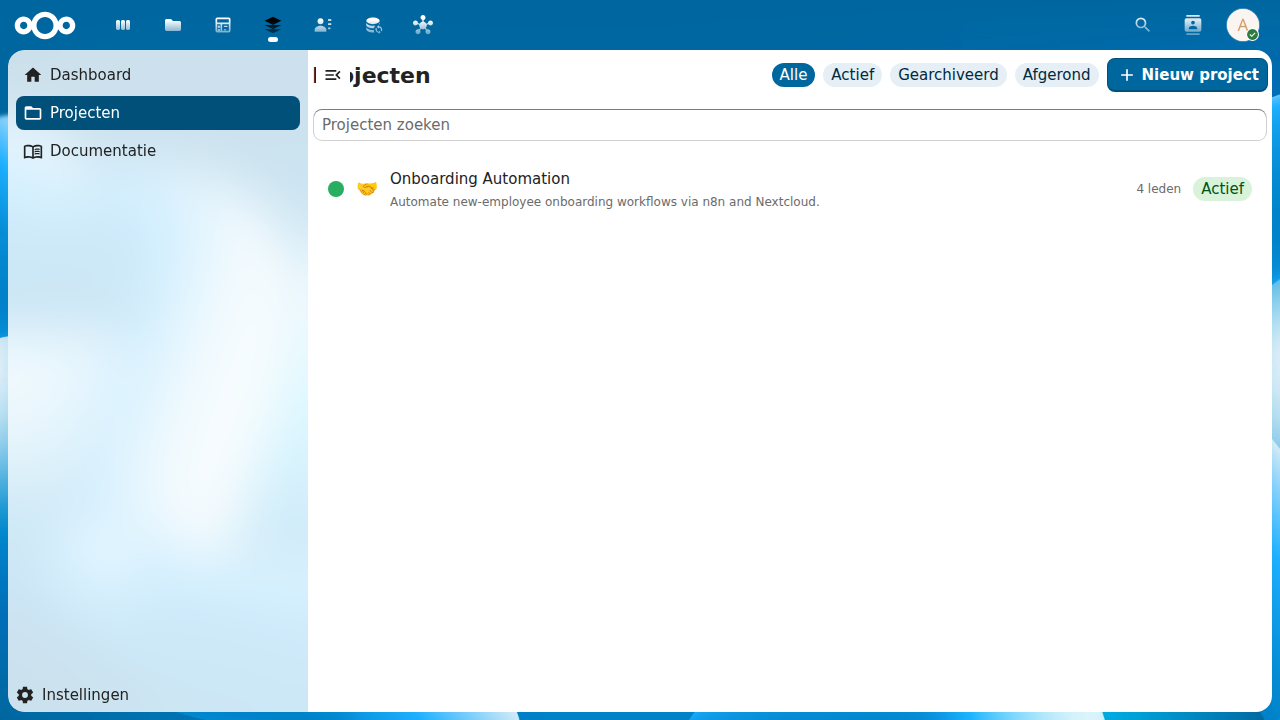 Project list — browse and filter projects you are a member of
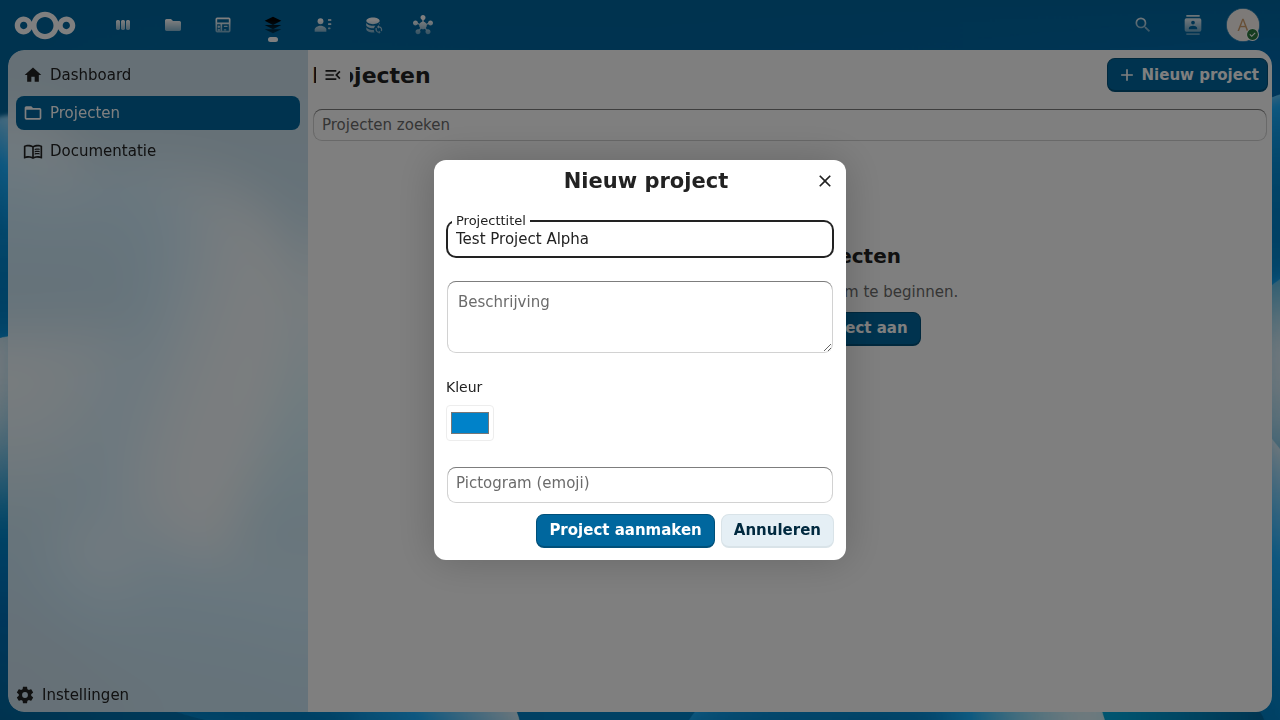 Create project — title, description, color, and icon fields
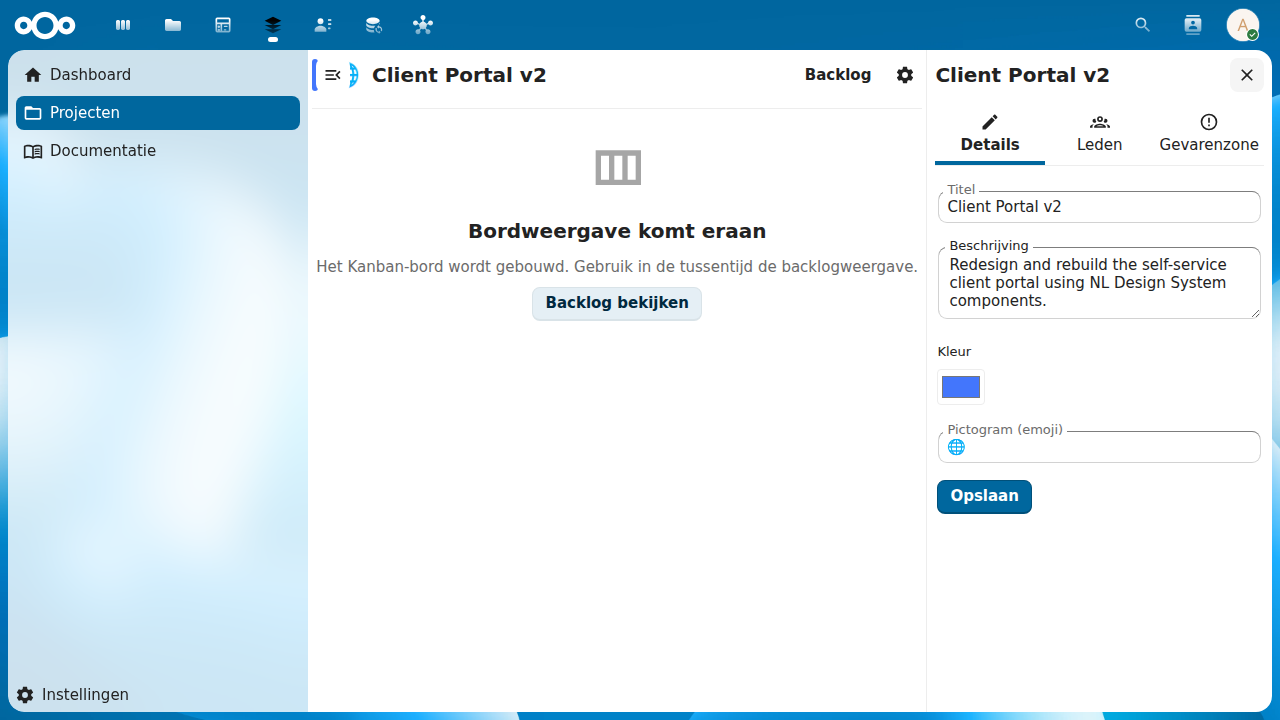 Project settings sidebar — Details, Members, and Danger Zone tabs
Key Capabilities
- Project list — browse all projects you are a member of; search (debounced 300 ms, client-side) and filter by status (Active / Archived / Completed)
- Create project — modal dialog with title, description, color, icon fields; automatically creates 4 default columns (To Do / In Progress / Review / Done) on creation
- Project board shell — detail view with header, gear icon, and "View Backlog" link; board view placeholder until kanban-board change is implemented
- Project settings sidebar — three-tab sidebar: Details (title, description, color, icon), Members (add/remove/leave), Danger Zone (archive, delete)
- Member management — search Nextcloud users, add to project, remove with assigned-task warning, leave with last-member protection
- Access control — project list filtered to current user's memberships; direct URL navigation to non-member projects shows access-denied state
- Archive and delete — archive hides from default list; delete cascades to columns, tasks, and time entries with confirmation dialog showing task count
- i18n — full Dutch (nl) translation; all strings in
l10n/en.jsonandl10n/nl.json - Immediate metadata reflection — sidebar saves update page header and project list without full reload
Standards
- Schema.org CreativeWork (project as a creative work container)
- iCalendar VTODO parent container reference